Turn prompts into polished visuals with Nano Banana Pro.
Google Nano Banana Pro is tuned for high-fidelity image generation — with smarter prompt understanding, stronger composition control, and better typography for UI, ads, and product shots.
Image Generator
Key Features of Nano Banana Pro
Nano Banana Pro is tuned for high‑fidelity image generation where composition and typography matter most, such as UI mockups, marketing creatives, ads, and product shots.
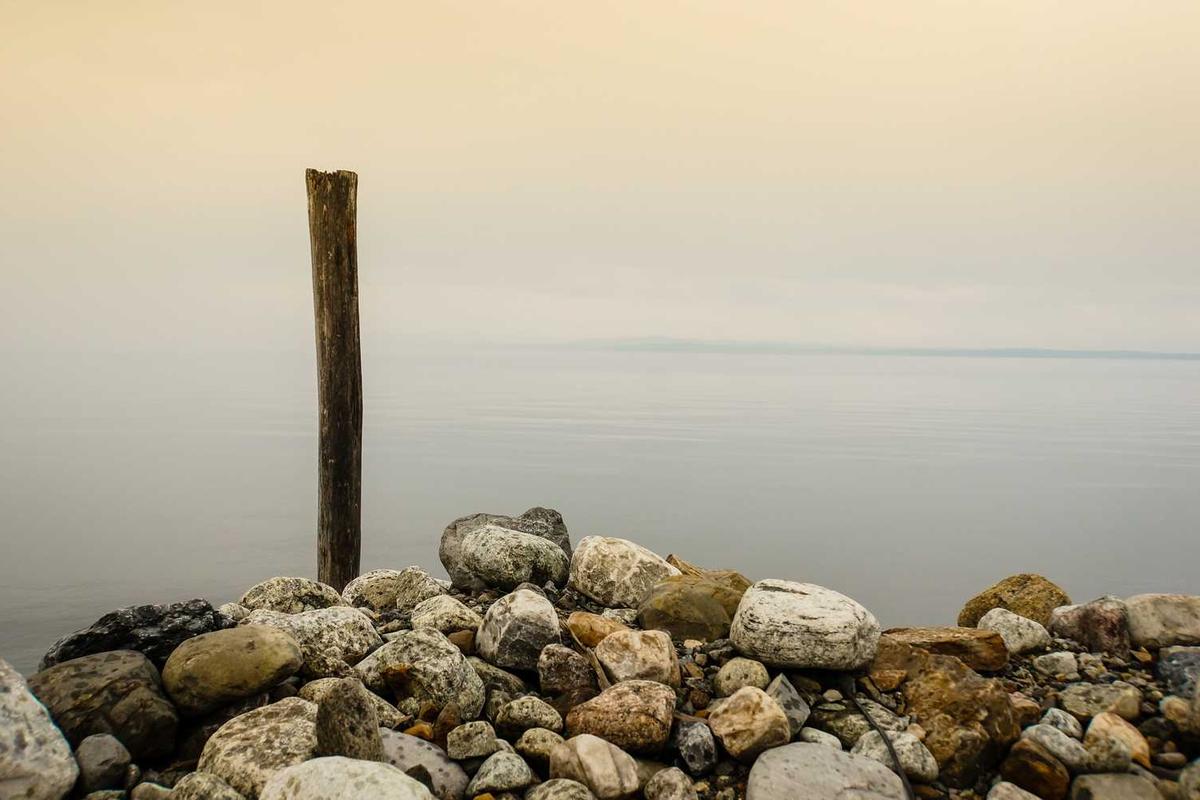
Multimodal Content Generation
Generate images, videos, audio, and stylized illustrations from a single text prompt. Maintain consistent visual style across formats and export production-ready assets (PNG, WebP, MP4) with configurable codecs and resolutions. Use built-in style-presets and metadata tags to keep brand consistency across campaigns, and automatically generate platform-specific variants for web, social, and print.

Lightning-Fast Generation
Produce high-quality results in seconds with low-latency inference, progressive previews, and prioritized rendering for interactive workflows. Preview intermediate renders to quickly judge composition, and escalate to high-quality passes when ready. The system supports GPU-backed batch jobs and adaptive queuing so iteration cycles stay fast for individual designers and entire teams.
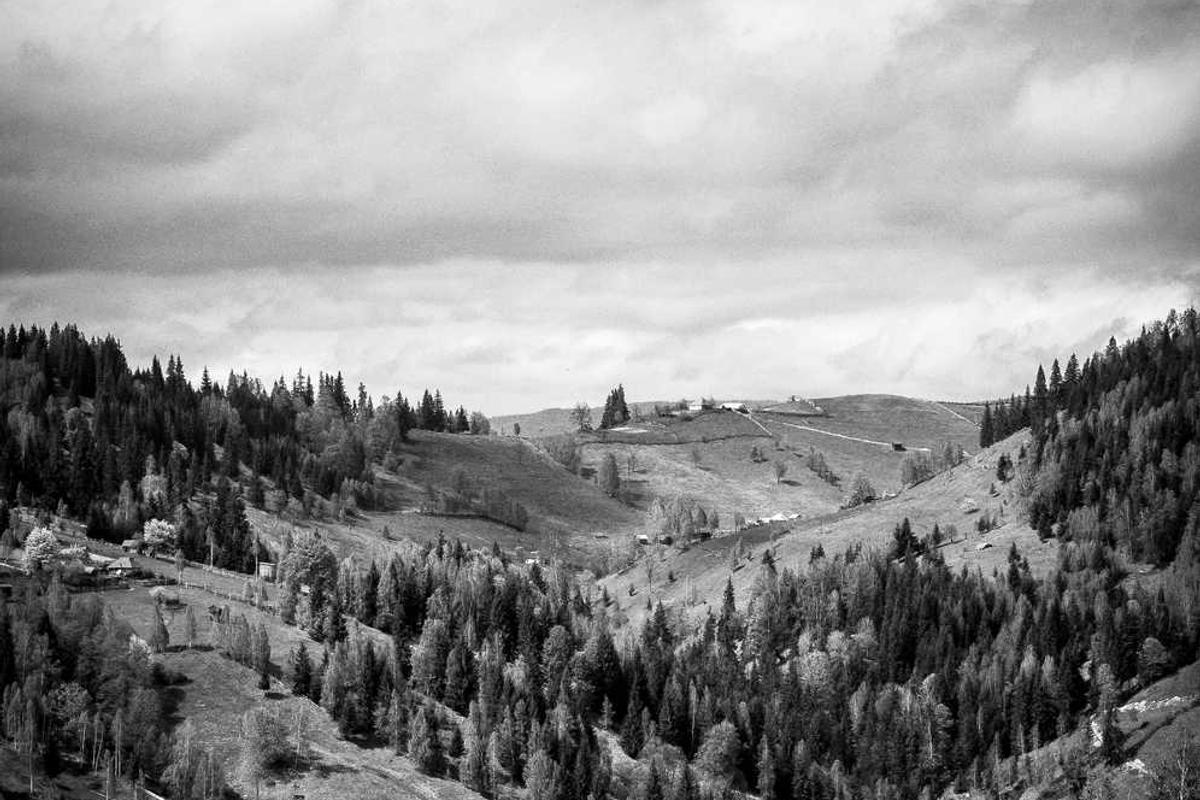
Professional Quality Output
State-of-the-art models tuned for photographic and illustrative styles, with color management, noise control, and artifact reduction for clean, production-ready results. Choose high-resolution exports, enable light retouching or upscaling steps, and apply ICC color profiles so outputs match downstream design and print pipelines. Ideal for product photography, marketing creatives, and hero images.
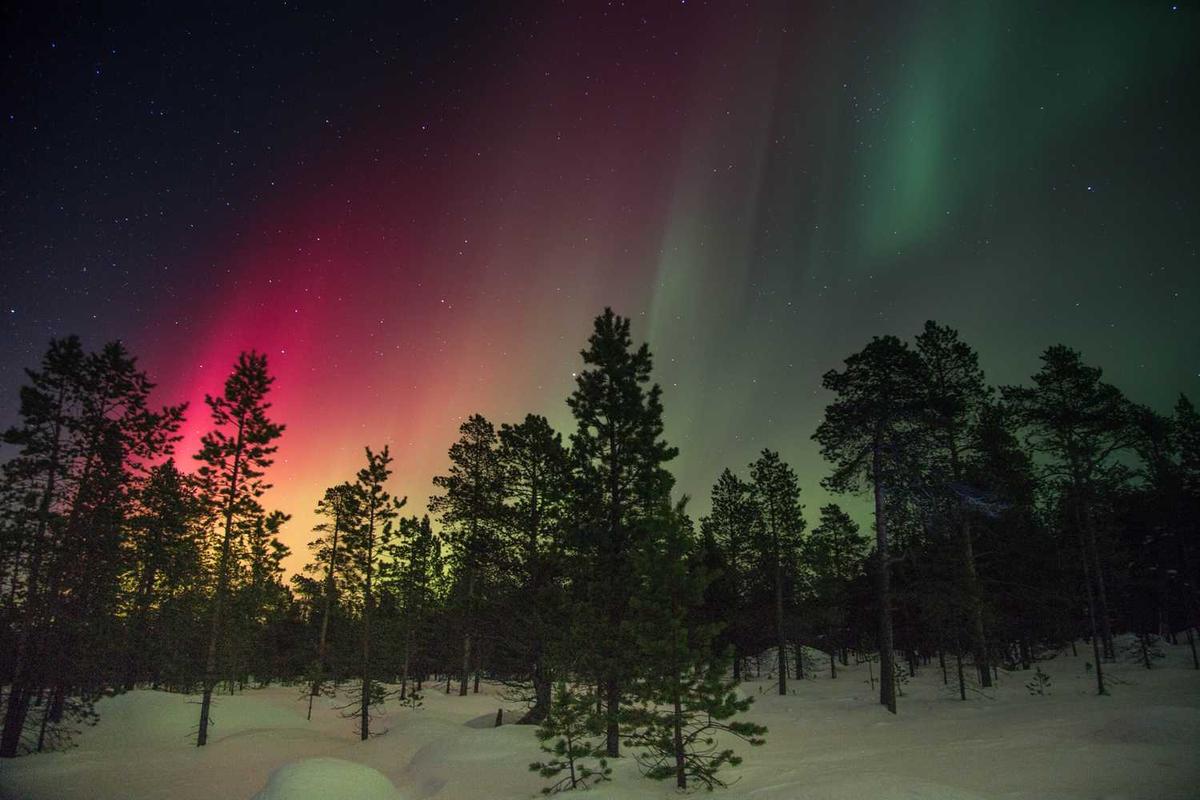
Typography-Aware Rendering
Handle in-image typography with pixel-level control: choose fonts, weights, kerning, and alignment, lock text positions for reproducible outputs, and ensure legibility across sizes and backgrounds. Support for multi-language typesetting, text wrapping rules, and text-on-path yields consistent results for UI mockups, banners, and ad creatives. Use text-presets to apply brand typographies automatically across batches.
Batch Generation & Variations
Create large batches of variations from a single base prompt by sampling different seeds, style strengths, or camera parameters. Outputs include a manifest with metadata (seed, model, params) for automated comparisons and A/B testing. Batch jobs speed up campaign production and integrate with CI/CD pipelines for scheduled or triggered generation.
Advanced Customization
Fine-tune prompts using style tokens, camera and lighting parameters, aspect ratios, and domain constraints to precisely control mood and framing. Chain prompt stages (layout → style → retouch) and save named presets so teams can reproduce brand-aligned visuals reliably. Advanced controls expose parameters for photographers and artists, including depth-of-field, film grain, and color grading.
Cloud Storage & Management
Automatically store generated assets with versioning, tagging, and powerful search. Control team access via roles and permissions, share preview links for stakeholder review, and download production-ready files with checksums and metadata for accurate handoff. Integrates with your CDN and cloud buckets for scalable delivery and archival workflows.

API Integration
Full-featured REST API and SDKs for automating generation, queuing large jobs, retrieving metadata, and integrating into marketing or CI/CD pipelines. Track usage metrics, apply rate controls, and subscribe to webhooks for job completion and delivery. Example SDKs and code snippets let engineering teams adopt generation workflows quickly and safely.
3 Steps to Master Nano Banana Pro
Follow this simple flow to get the most out of Google Nano Banana Pro for your design and marketing work.
Describe what you need
Write a clear prompt that covers subject, style, aspect ratio, and any text you want to appear in the design.
Refine with models & references
Choose the appropriate Nano Banana Pro model and upload reference images to guide layout, colors, and brand look & feel.
Iterate and export
Generate multiple variations, tweak prompts or settings, then export the best results into your design or product workflow.
Why creators love Nano Banana Pro
Designers, marketers, and product teams rely on Nano Banana Pro for fast, reliable, and on‑brand visuals.
Alex Johnson
Sarah Chen
Michael Brown
Emily Davis
David Wilson
Lisa Anderson
Kenji Tanaka
Maria Gonzalez
James Lee
Nano Banana Pro FAQ
Answers to common questions about Nano Banana Pro image generation, quality, and usage.
What is Nano Banana Pro best suited for?
Nano Banana Pro is tuned for high‑fidelity image generation where composition and typography matter most, such as UI mockups, marketing creatives, ads, and product shots.
How should I write prompts for the best results?
Describe the subject, style, composition, and text requirements as clearly as possible. You can also upload reference images to guide layout, colors, and overall look.
Can I control layout and text in the generated images?
Yes. Nano Banana Pro offers stronger composition control and better typography handling. Be explicit about layout (e.g. "left-aligned product, right-side text block") and the copy you want to appear in the design.
Will my images or prompts be used for model training?
No. Images and prompts generated with Nano Banana Pro are not reused for training the model. We only log minimal metadata for monitoring and debugging.
Can I use Nano Banana Pro images for commercial projects?
Yes, you can generally use generated images in commercial projects, subject to the terms of your provider and any applicable content policies. Always review the latest usage terms before deployment.
Learn More About Nano Banana Pro
Explore guides, comparisons, and tutorials featuring Nano Banana Pro.
Flux.2 vs Nano Banana Pro
Compare Flux.2 and Nano Banana Pro to find the best AI image generator for your needs.
Best AI Image Generators in 2025
Discover the top AI image generators of 2025, including Nano Banana Pro and other leading models.
AI Image Generator for Social Media
Learn how to use Nano Banana Pro and other AI tools to create stunning social media visuals.
AI Image Generator for Marketing
How marketers can leverage Nano Banana Pro for high-quality marketing visuals and campaigns.